About the service › Features & how they work

Features & how they work

Every feature of CLT's business apps — who does what, in which order — shown with real screens.

Mobile

On a phone or in the app — the same, wherever you are

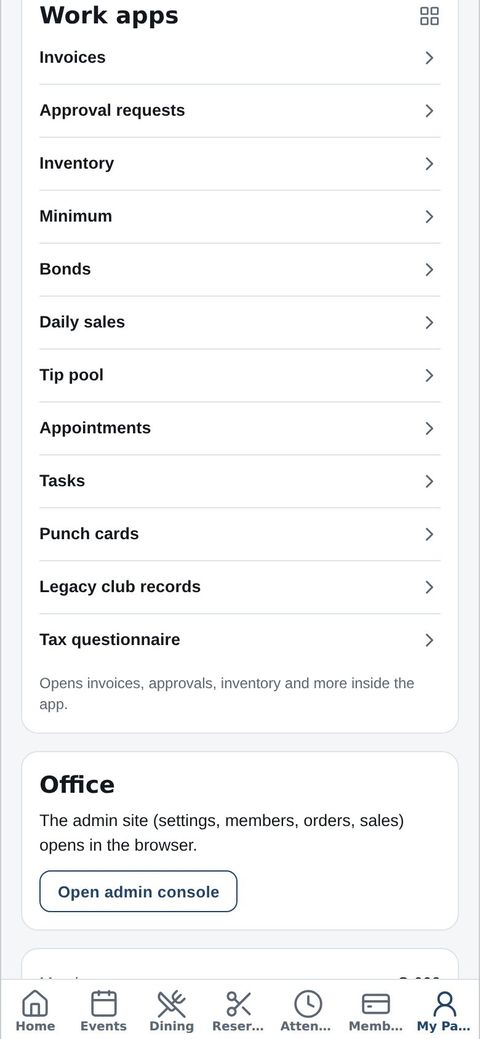
Members and customers use the CLT Members iPhone app. Staff and managers clock in with the same app and open work apps such as invoices, approval requests and inventory. No app? Sign in from any phone browser for the same screens and the same data as on a computer.

📱
The CLT Members iPhone app

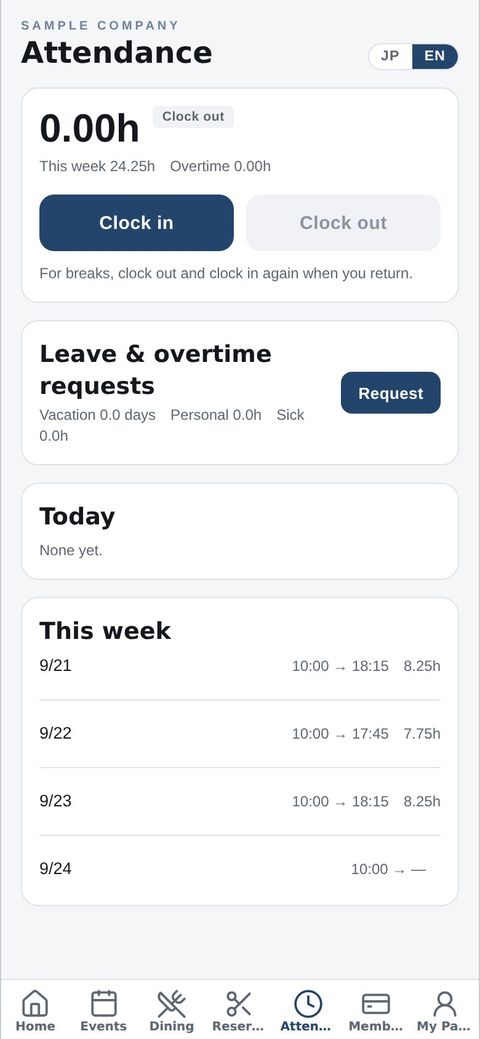
Member card, events, bookings, orders and news. Staff also get clock-in and work apps, plus push notifications.

🌐
Any phone browser

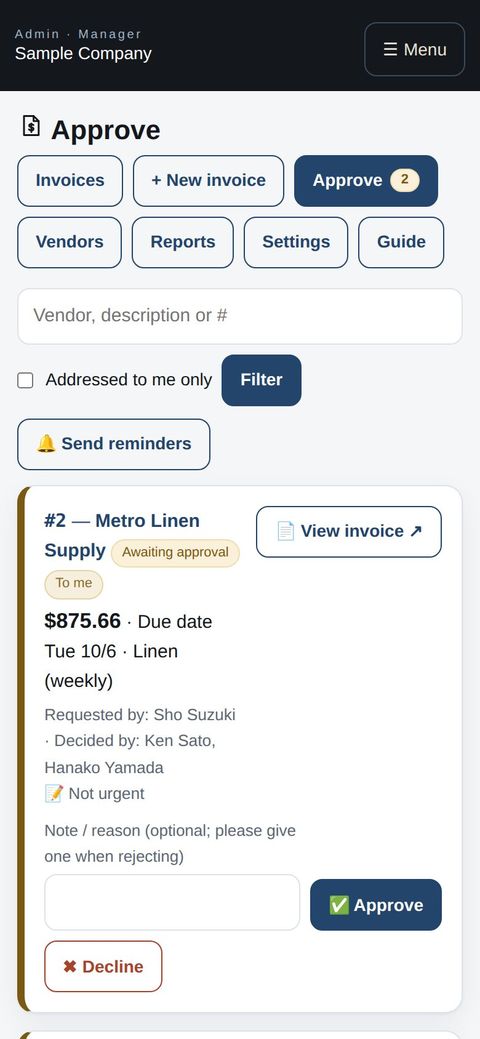
Android users and anyone without the app just sign in. Every screen fits the phone automatically.

💻
Computers

Use a big screen for bulk work like roster imports and settings. It's all the same data.
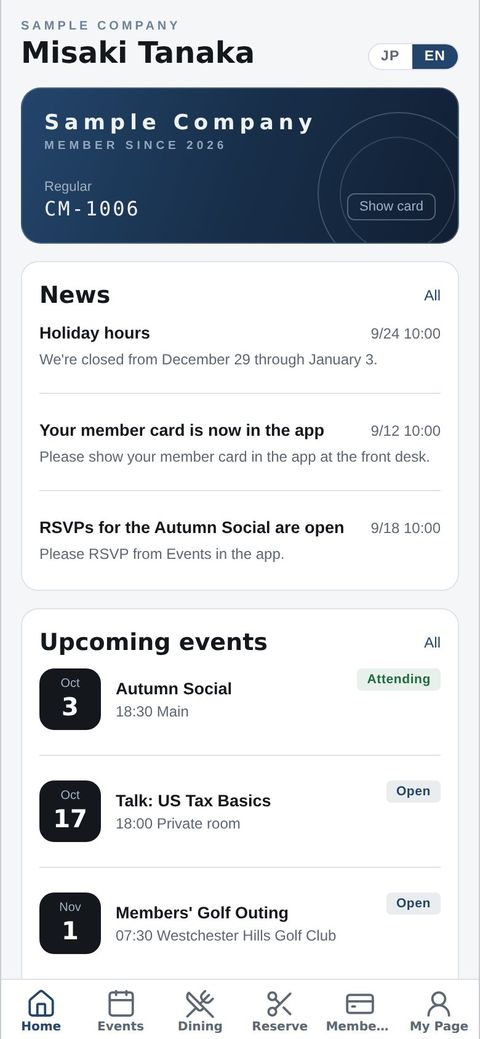
Member: app home
AppMember: app home
Staff: clocking in
AppStaff: clocking in
Manager: work apps in the app
AppManager: work apps in the app
Manager: approving an invoice
Phone browserManager: approving an invoice
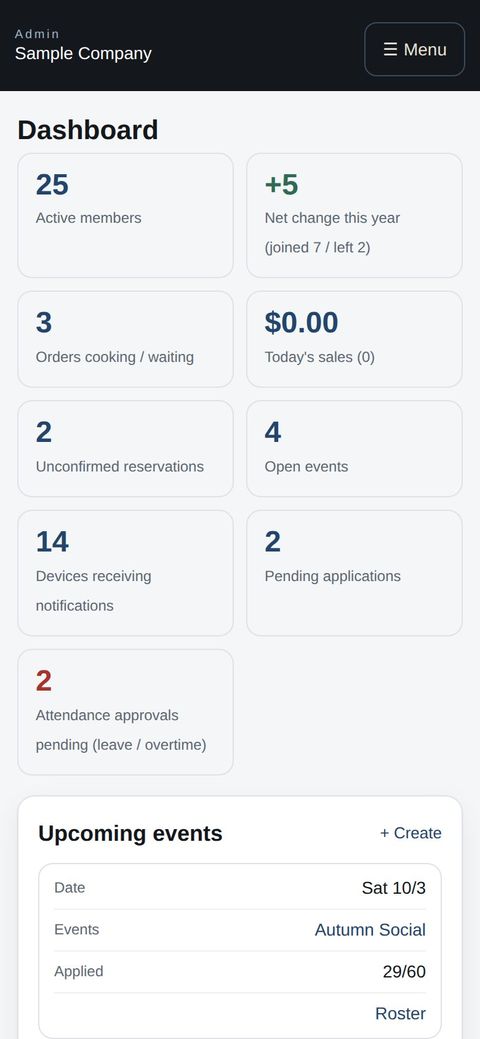
Owner: the dashboard on a phone
Phone browserOwner: the dashboard on a phone

Try the sample company →

Core features

The foundation every company can use from day one: members, reservations, events, orders and more.

Built for teams

What lets owners, managers and staff work together in one app.

Add-on apps

Switch on only what you need, and add or remove apps any time with a checkbox.

Start with just the features you need. If nothing fits the way you work, we'll build it for you — free.

Get started →Try the sample company →🎁 Get a custom app, free