Punch cards

Issue 10-visit passes and punch one per visit

Issue punch cards such as 10-visit passes and punch one at each visit. Members see remaining visits and expiry in the app.

Who uses it:StaffMembers & guests
What it does

Issue

Name, number of visits and optional expiry.

Punch

Every punch is logged with who and when.

Remaining in the app

Members check what's left and when it expires.

How it flows

  1. 1Office
    Issue a card

    Choose the member.

  2. 2Staff
    Punch each visit

    Tap Punch once.

  3. 3Member / guest
    Check what's left

    In the app under Punch cards.

On phones & in the app

Members check remaining visits and the expiry date in the app. Staff issue cards and use a visit each time, all from a phone.
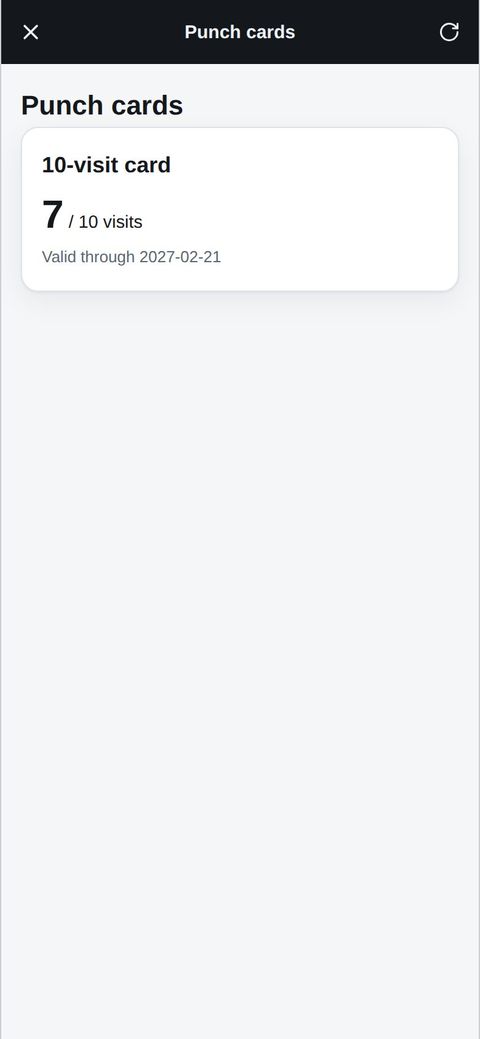
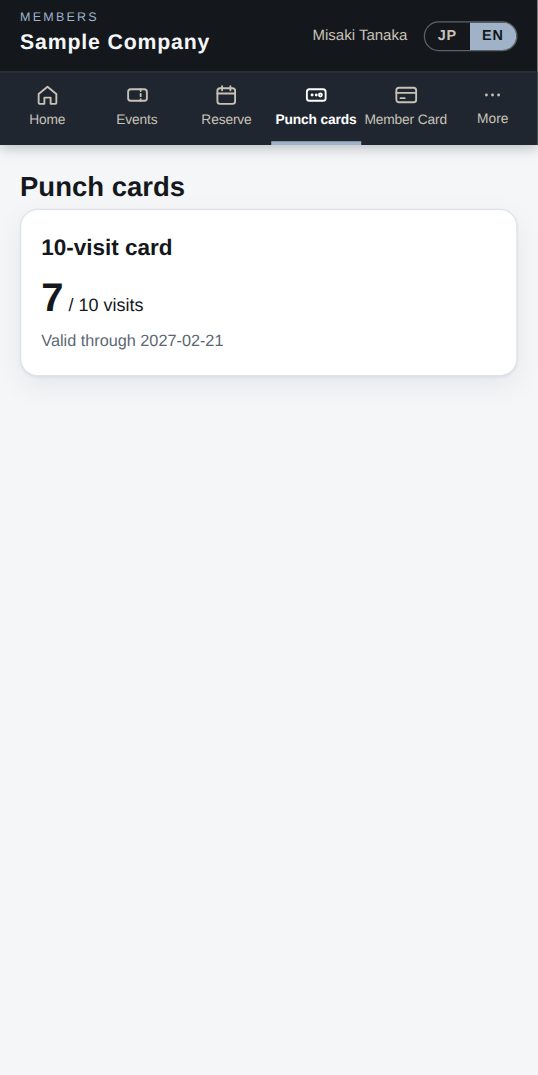
Member: visits left
AppMember: visits left
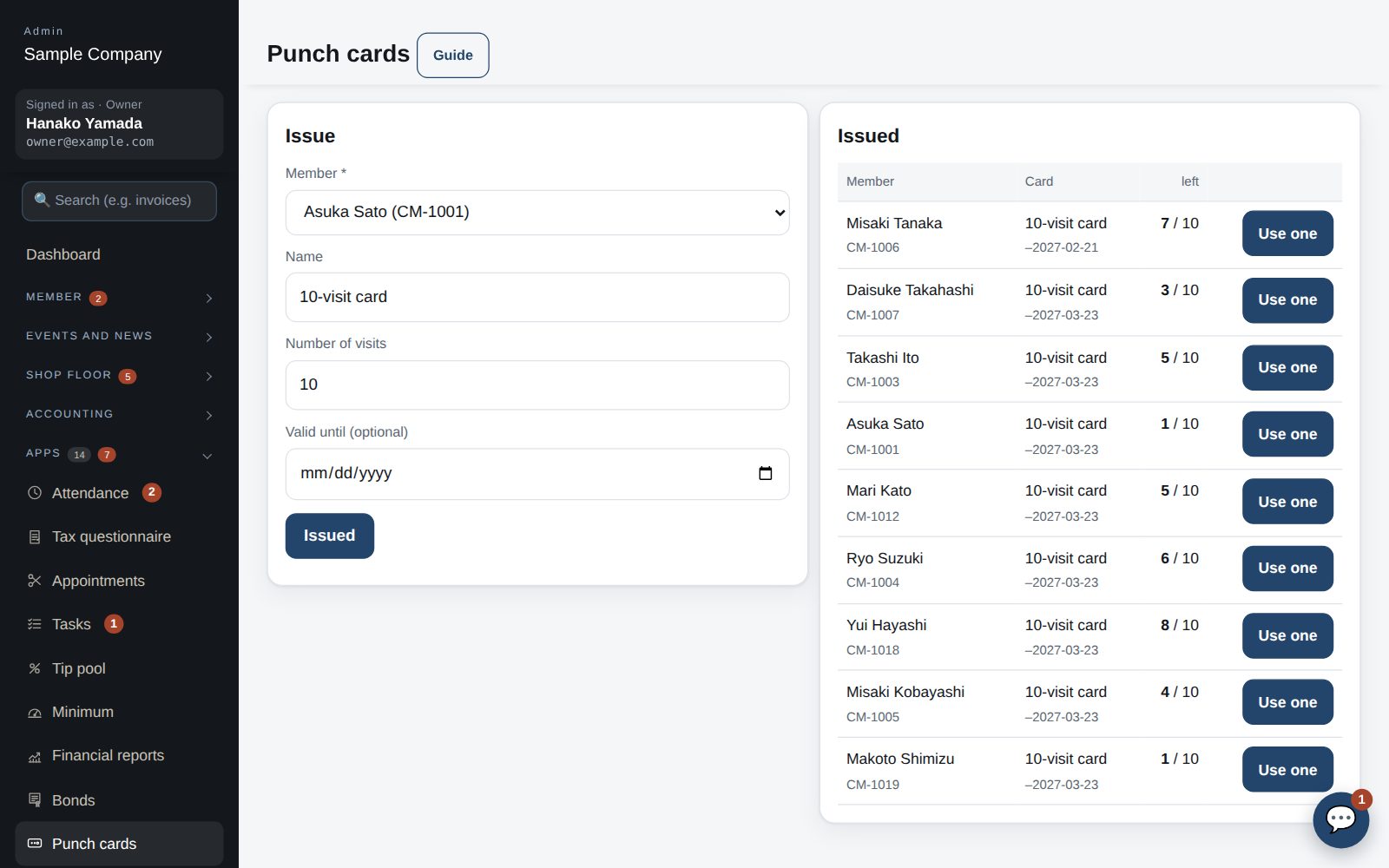
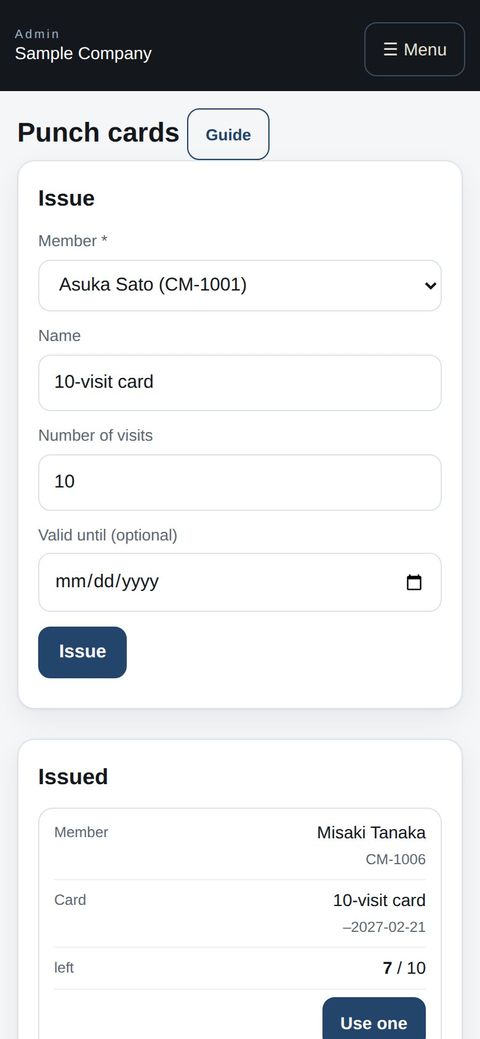
Staff: issuing and using a visit
Phone browserStaff: issuing and using a visit

See the screens

Admin (office)

Punch card admin: this month's sales and the unused balance at the top

Set up card types

  1. Under Apps → Punch cards → Card types, enter the name (e.g. 10 haircuts), number of visits, price and validity (months).
  2. Choose which services it covers (none = all services). For a service that should take 2 visits, such as cut + colour, set it to 2.
  3. Tick “Sell online” and members can buy it by card from the member app (when Stripe or Square is connected under Settings → Payments). It is issued automatically.
Issuing, and each card's history

Sell and use in the salon

  1. When you sell one in the salon, use “Issue a card” and choose the member, type and payment (cash, card…).
  2. Bookings that use a punch card come off automatically when you mark them “Done”. For a visit without a booking, press “Use one” on the card.
  3. Undo a mistaken use from the history. You can also add visits, extend the expiry, or void a card after a refund from the card page.

Member app & web

“Punch cards” in the member app (phone)

Buy and use punch cards

  1. Open “Punch cards” to see your cards, visits left, expiry and which services they cover. Cards the salon sells online can be bought here by card.
  2. Choose your punch card when you book; the visit comes off automatically on the day.

Works well with

Start with just the features you need. If nothing fits the way you work, we'll build it for you — free.

Get started →Try the sample company →🎁 Get a custom app, free